Your iMessage history, kept for good.
Message Archive reads the messages already on your Mac and in your iPhone backups, merges every copy into one place, and seals it so you can prove later that nothing was changed. It all stays on your Mac.
14-day free trial. Cancel any time. Requires macOS 14 or later.
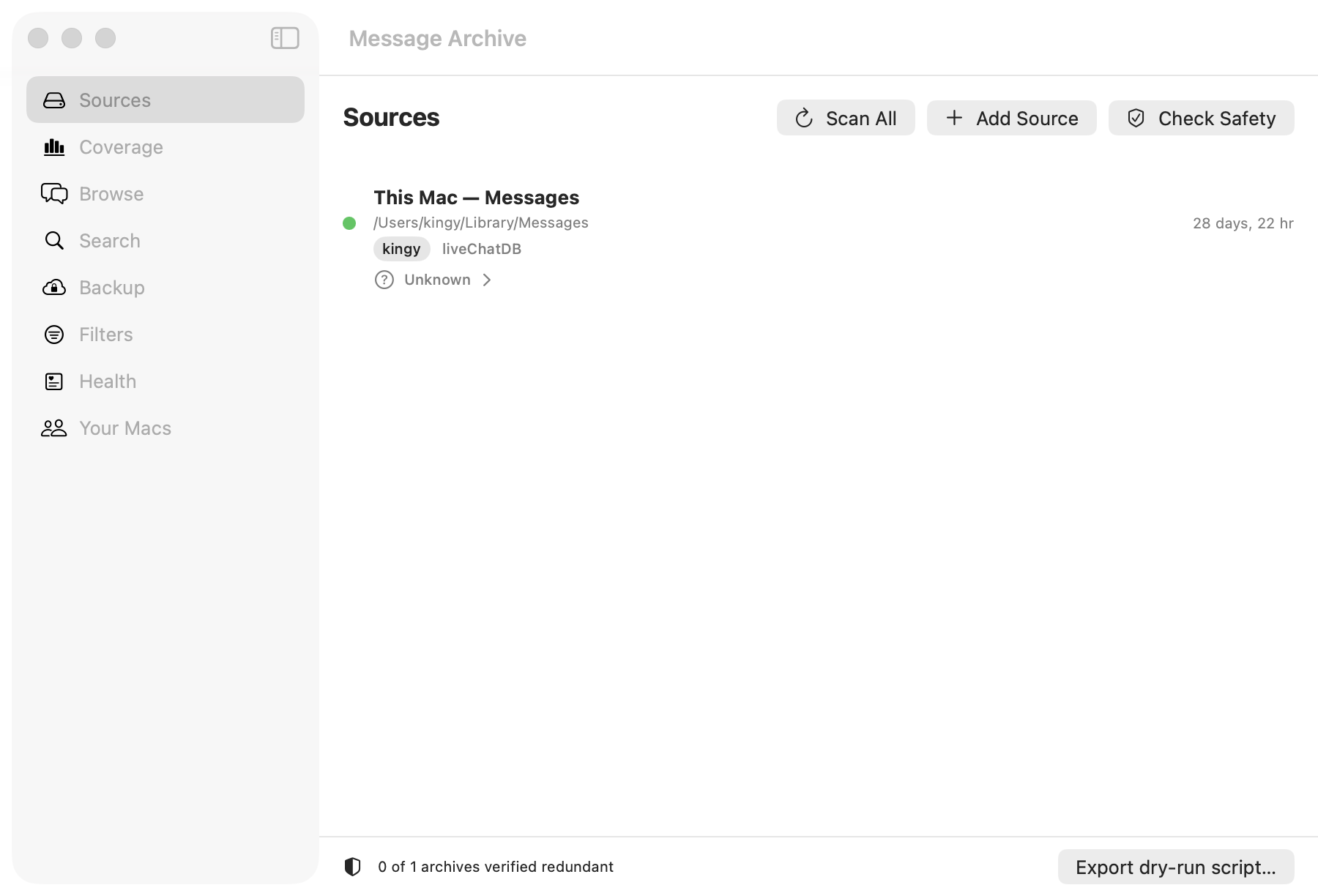
Your Mac may already be deleting them
iOS and macOS have a “Keep Messages” setting: 30 days, one year, or forever. Many devices are set to a limit without their owner ever choosing it. When the window passes, older messages are removed from every device on the account, and there is no undo.
Message Archive reads that setting, tells you how much history is at risk, and starts archiving before the window closes.
Who uses Message Archive
One app, many reasons. Each of these has its own page with the steps, and a plain note on what the app does not do.
- Family memoriesKeep a parent’s or grandparent’s texts before the phone that holds them is gone.
- Custody disputesYour own complete record of what was said, kept before a phone is wiped or replaced.
- Legal casesPreserve a client’s messages as they exist on a Mac, with a record of what was captured and when.
- CorporationsA retained record of business conducted over iMessage, held on your own hardware.
- Executive teamsThe decisions and approvals that happened in texts, kept where they cannot be quietly edited.
- Estate and executorsSettle an estate with the texts that record what was promised, and keep them for the family.
- Journalists and researchersKeep source conversations intact and searchable, on hardware you control.
- Switching Macs or phonesMove to a new device without leaving years of messages behind on the old one.
What it does
- Archives everything it can read
- Every conversation on the Mac, with attachments, names, and the original phone numbers or email addresses kept beside them.
- Merges every copy
- iPhone backups, old Macs, external drives, and macOS exports each hold messages the others lost. Each is merged on message id and counted, so you know what only that copy had.
- Seals the archive
- A hash chain over every archived message. Verify it later and the app names the first message that differs, or confirms nothing has.
- Reads the retention setting
- Shows whether the Mac is set to keep messages for 30 days, one year, or forever, and how much of the live history the archive already holds.
- Archives on a schedule
- A background job runs incremental archives daily and warns you if it has not run, so a quietly stopped job cannot become a quiet gap.
- Stays on your Mac
- The vault is a folder you choose. No upload, no account, no telemetry. Every source is opened read-only, and there is no delete operation anywhere in the app.
What the seal proves
It proves
That the archive has not changed since it was sealed, and when it was sealed. Any edit, deletion, insertion, re-dating, or altered sender breaks the chain from that message onward, and verification reports exactly where.
It does not prove
That the archive was complete or truthful at the moment of sealing. Message Archive is not a certified forensic tool and we make no claim about whether a court will accept what it produces. That is a question for your attorney.
Pricing
$47per year, per Mac
14-day free trial. Cancel any time.
- The trial is fully functional for 14 days.
- After it ends, the app still opens and still archives on schedule, so nothing you captured is held back. Browsing, search, and the deletion report wait for a license.
- Your key renews itself inside the app while the subscription is active. If you cancel, it keeps working until it expires, and the archive stays yours.
Questions
Does it pull messages straight from an iPhone?
No. It reads a Mac’s Messages database and iPhone backups that were made on that Mac with Finder or iTunes. Back the phone up to the Mac first, then add the backup as a source. It does not connect to the phone itself and cannot read an encrypted or iCloud backup.
Is the archive admissible in court?
We make no claim about admissibility, and the app is not certified by any court, bar association, or forensic body. What it gives you is a sealed archive whose integrity you can verify, plus a plain statement of what that verification does and does not prove. Whether that meets the standard in your matter is a question for your attorney.
Where does my data go?
Nowhere. The vault is a folder on the Mac, or on a drive or NAS you point it at. Nothing is uploaded unless you turn on the optional encrypted backup, and even then the encryption key stays in the Mac’s Keychain. The only outbound request the app makes is a license renewal, which sends the license id and nothing else.
Does it change or delete anything in Messages?
No. Every source is opened read-only, in a mode that stops SQLite from writing even its usual sidecar files next to the originals. The only files the app writes are its own vault and manifest.
Why is it not on the Mac App Store?
Reading the Messages database needs Full Disk Access, and Apple does not allow that inside the App Store sandbox. The app is distributed directly, signed with an Apple Developer ID and notarized by Apple, and it updates itself in place.
What are the requirements?
macOS 14 Sonoma or later, and Full Disk Access granted once in System Settings.
How is the subscription licensed?
One subscription covers one Mac. The key is verified on that Mac and renews itself while the subscription is active. If you cancel, the key keeps working until its expiry date, and the archive stays yours.
Refunds?
Try it free for 14 days first. If something is wrong after you subscribe, reply to your Stripe receipt within 14 days and we will sort it out.